Register through the public website by selecting the relevant pathway. After submission, the application is reviewed by the admin team. If approved in principle, payment instructions are issued and account access is activated after payment is confirmed.
What information do I need to register?
Company name, registration number, contact person details, email address, phone number, industry sector, and employee count. Additional information may be requested during review.
How long does the approval process take?
The admin team reviews submissions promptly. If approved, payment instructions are issued immediately. Account access is typically activated within 1–3 business days after payment is confirmed.
Can I register multiple users under one company?
Yes. myZECA supports role-based access at group, company, branch, outlet, or site level, and additional users can be assigned after activation.
SEDG v2 & Reporting
What is SEDG v2 and who is it for?
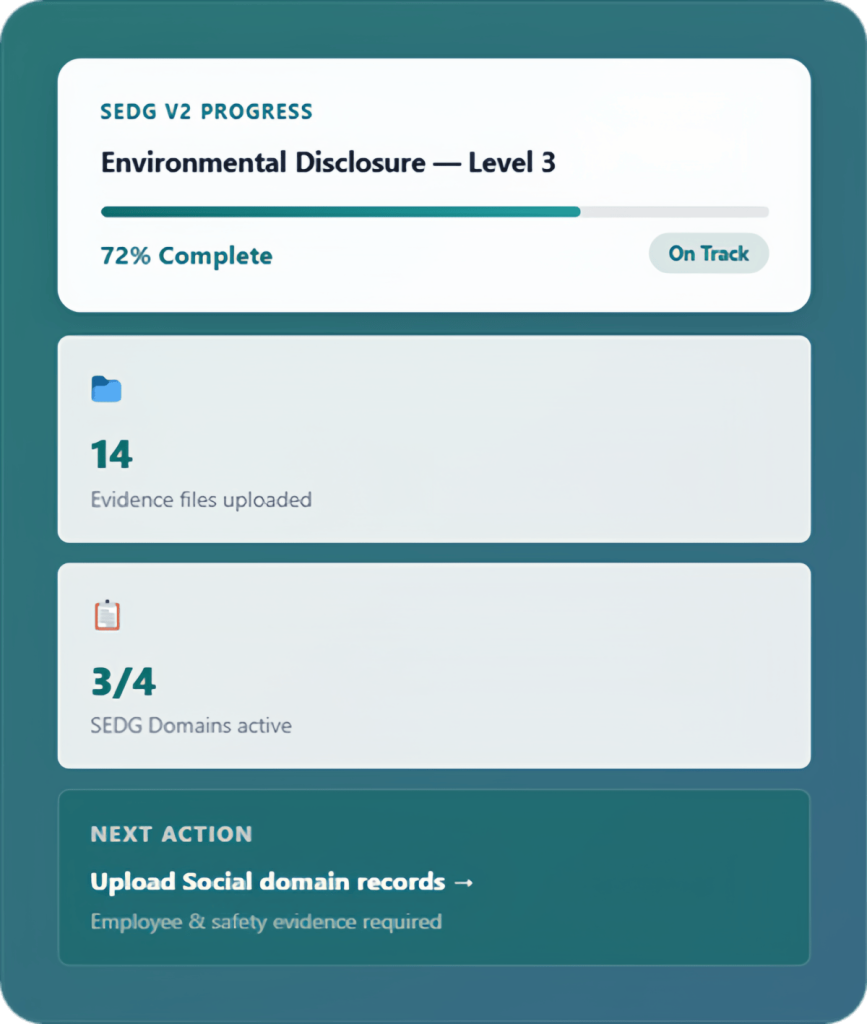
SEDG v2 is the first live Data Collection Tool on the myZECA platform, designed specifically for SMEs to complete ESG disclosures according to their selected reporting maturity level.
What are the reporting maturity levels?
SEDG v2 supports L1 (Basic Awareness), L2 (Developing), L3 (Defined), and L4+ (Advanced / Integrated). Users start at the level appropriate for the organisation and can progress over time.
How does the reporting workflow work?
The workflow moves through company profile setup, maturity level selection, data entry and evidence upload, reviewer feedback, and draft reporting output generation.
Can I change my maturity level later?
Yes. Users can progress to a higher maturity level when they are ready, with guidance for additional data and evidence requirements.
Evidence Management
What types of evidence can I upload?
Utility bills, fuel records, water bills, waste records, employee records, safety documents, policies, certificates, and other supporting files relevant to ESG disclosures.
How should evidence files be organised?
Each uploaded file is linked to the specific disclosure item it supports so evidence is connected to the right data point.
Is there a file size limit?
File size limits depend on the account plan. Specific limits are communicated during onboarding.
Can I update or replace evidence files?
Yes. Evidence files can be updated, replaced, or expanded while maintaining a structured record of submissions and reviewer feedback.
Access, Permissions, Payment & Renewal
What roles are available on myZECA?
myZECA supports multiple user profiles across SMEs, coordinators, consultants, service providers, administrators, and industry users.
Can consultants access multiple client organisations?
Yes. Consultants and service providers can support multiple client organisations through a controlled workspace that respects scope and authorisation boundaries.
How do I pay for myZECA access?
After approval in principle, payment instructions are issued. Account access is activated once payment is received and confirmed.
What is the renewal cycle?
myZECA access is renewed annually, with reminders before expiry and structured grace-period handling.
Still have questions?
We’re here to help. If you need more detail, contact the myZECA team directly.